When Game Updates Break Existing Save Files
A game update can install correctly, reach the title screen and still damage the part players value most: their progress. Save files are not recordings of a finished session. They are structured collections of character statistics, quest flags, item identifiers, map states and references to systems that may change during development.
Once a patch alters that structure, yesterday’s valid data may no longer describe a possible world. Good compatibility work therefore begins before release, not after support tickets report missing equipment or a loading bar that never finishes.
A Save Stores More Than Progress
The visible save slot may show a location, playtime and thumbnail, but the underlying file can contain thousands of values. A role-playing game may record which dialogue branches were chosen, whether a door was unlocked, which version of an item exists and where every companion is standing. Strategy and simulation games often preserve far more entities.
Loading reconstructs the game world using those stored values. Trouble appears when the new build expects a field that does not exist, rejects an older identifier or interprets an old number differently. The file may remain intact while the software reading it has changed.
Small Changes Can Break Long Campaigns
Removing an item sounds harmless if it was never important. An old save, however, may place that item in a chest, equip it on a character or reference it as a quest reward. Renaming a field can be equally disruptive when the loader searches for the original name and receives nothing.
Several common changes require explicit compatibility handling:
| Development change | Possible loading failure | Safer response |
| Field renamed | Stored value is ignored | Preserve an alias or migrate it |
| Item removed | Inventory references an unknown object | Substitute a valid fallback |
| Quest rewritten | Old flags form an impossible state | Map flags to a supported state |
| Map edited | Character appears inside new geometry | Move the character to a safe point |
| Numeric range changed | Existing value becomes invalid | Clamp and record the conversion |
The dangerous cases are not always crashes. A save that opens with a missing companion or a silently reset quest can pass a basic loading test while corrupting hours of play.
Version Numbers Give the Loader Context
A durable save format identifies the schema version used to create it. The loader can then apply migration steps in order: version 3 becomes version 4, version 4 becomes version 5, and the current code reads the converted result. This approach keeps old rules out of ordinary gameplay systems.
Migrations should also be repeatable. If a conversion is interrupted or accidentally runs twice, it must not duplicate currency, erase inventory or advance a quest again. Keeping the untouched source until the upgraded file loads successfully provides a recovery route.
Real Releases Expose the Risk
The risk becomes especially visible when a patch is rolled back. In 2025, an unintended early PlayStation 5 release of Baldur’s Gate 3 Patch 8 prompted a warning that saves created under Patch 8 would not work with Patch 7 after reverting. The resulting compatibility problem was documented in contemporary reporting on the incident: newer saves depended on a newer game version.
Engine tools can help with narrower changes. Unity’s official documentation says its FormerlySerializedAs attribute can rename a field without losing the serialized value. It is useful protection during refactoring, although a complete migration system is still needed for changed types, removed objects and revised gameplay rules.
Compatibility Needs Its Own Test Library
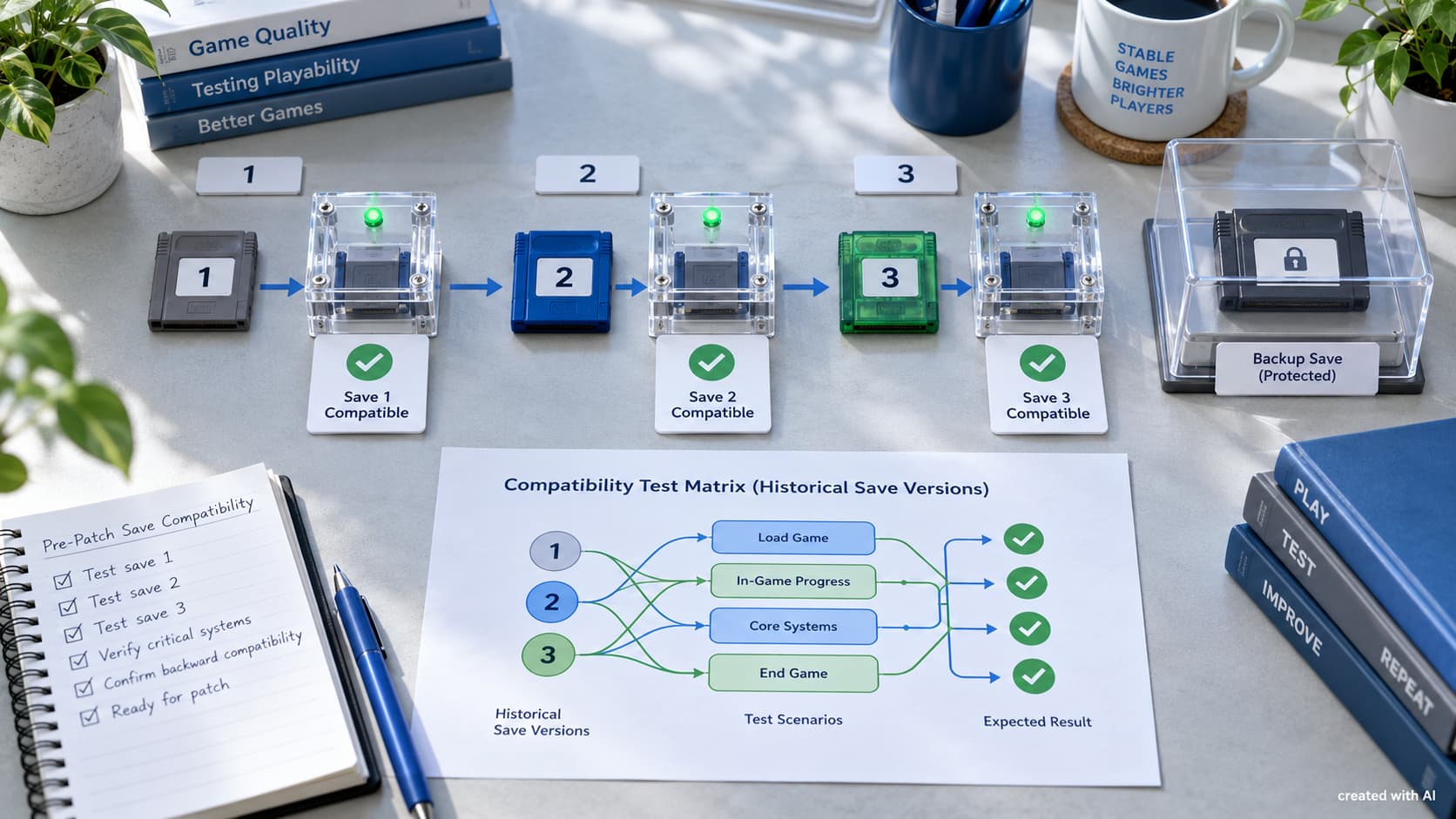
Testing only a fresh campaign misses the problem entirely. A useful compatibility collection contains saves produced by public releases, placed at technically difficult points rather than merely convenient checkpoints.
- Keep saves from every supported release and each available hardware system.
- Include early, middle and late campaign states with different quest choices.
- Test full inventories, empty inventories and items later removed or revised.
- Cover manual saves, autosaves, cloud copies and interrupted save operations.
- Load each file, play briefly, save again and reload the converted version.
- Verify characters, quests, currencies, locations and achievements after migration.
The final two steps matter because successful deserialization proves very little on its own. A migrated world must remain playable, and its next save must no longer depend on temporary conversion code.
Failure Should Be Clear and Recoverable
No studio can promise unlimited backward compatibility. Mods may add unavailable objects, damaged storage can truncate data, and very old releases may fall outside the supported range. The failure path still deserves careful design.
The game should preserve the original file, identify the unsupported version and avoid overwriting it with partial data. A useful message explains whether an update, an older build or removal of incompatible mods may help. “Save corrupted” should be reserved for evidence of actual corruption, not used as a generic response to an unknown schema.
Save compatibility rarely appears in a trailer, yet it shapes confidence in every patch. Treating the format as a maintained interface—versioned, migrated, tested and recoverable—allows a game to evolve without turning previous progress into collateral damage.